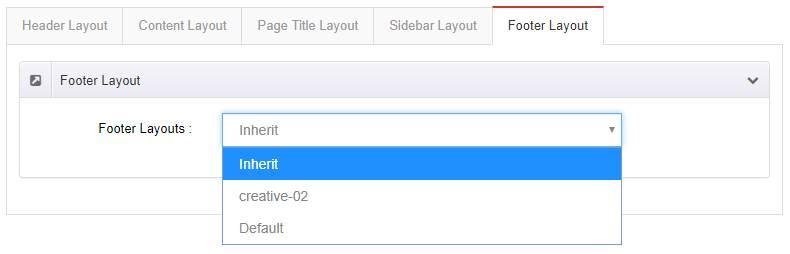
Page Options
Page Options lets you configure the layout and style of the current page independently. Each page in the site can use different settings without affecting one another.
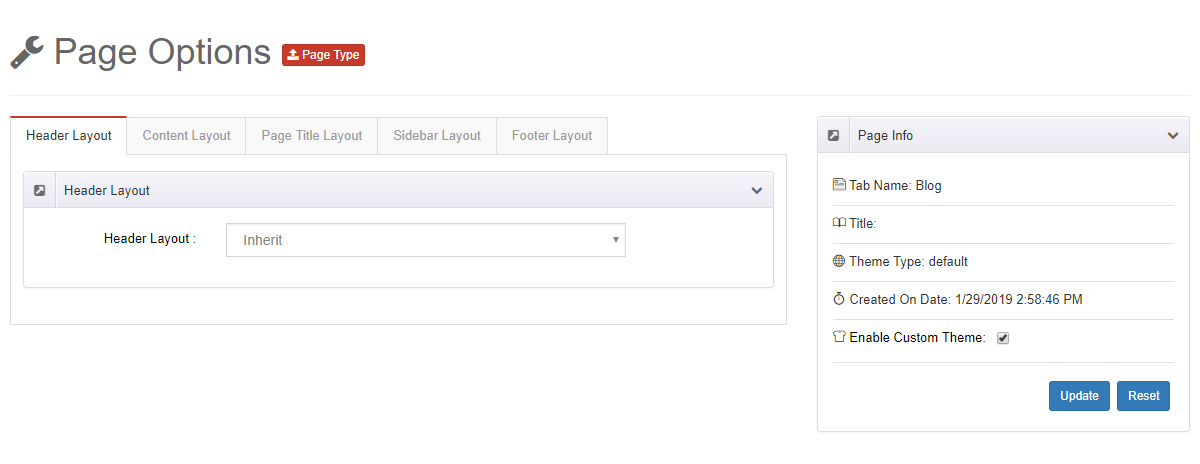
Enable custom settings first
You must turn on the Enable Custom Theme option before the settings on this page take effect for the current page.
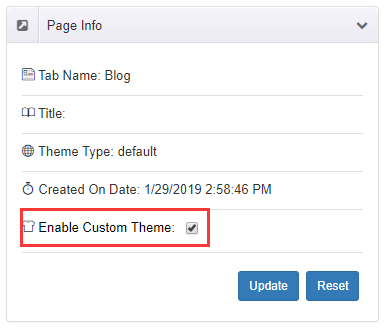
Difference from Theme Options
Theme Options applies to the entire site; Page Options applies only to the current page and can individually override the global configuration.
Entry Point
There are two ways to open Page Options; both open the same set of settings:
- PageBuilder Manager: In the Pages list, click the target page's Setting → Edit Options.
- Page Editor: After entering page editing mode, click the button on the top toolbar.
Header Layout
Specify a Header layout for the current page.
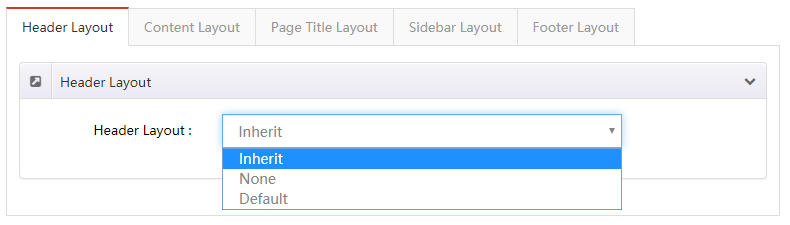
- Inherit: Use the Header layout from the theme settings.
- None: The entire Header area is not displayed.
Content Layout
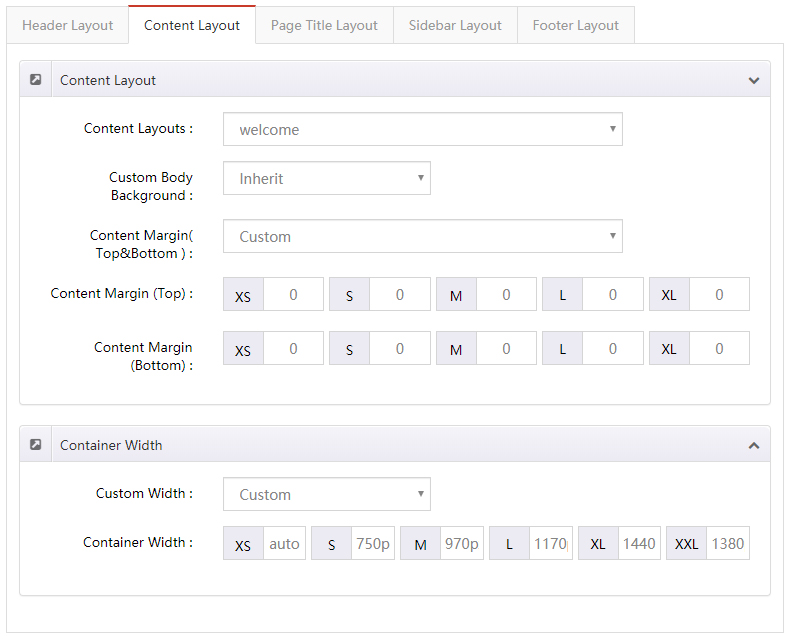
Independently set the style of the page's main content area.
| Setting | Description |
|---|---|
| Content Layouts | Sets the content layout; choose Inherit to use the theme settings |
| Custom Body Background | The background color or background image for the content area |
| Content Margin (Top & Bottom) | The top and bottom margins of the content area |
| Custom Width | The width of the content area |
Page Title Layout
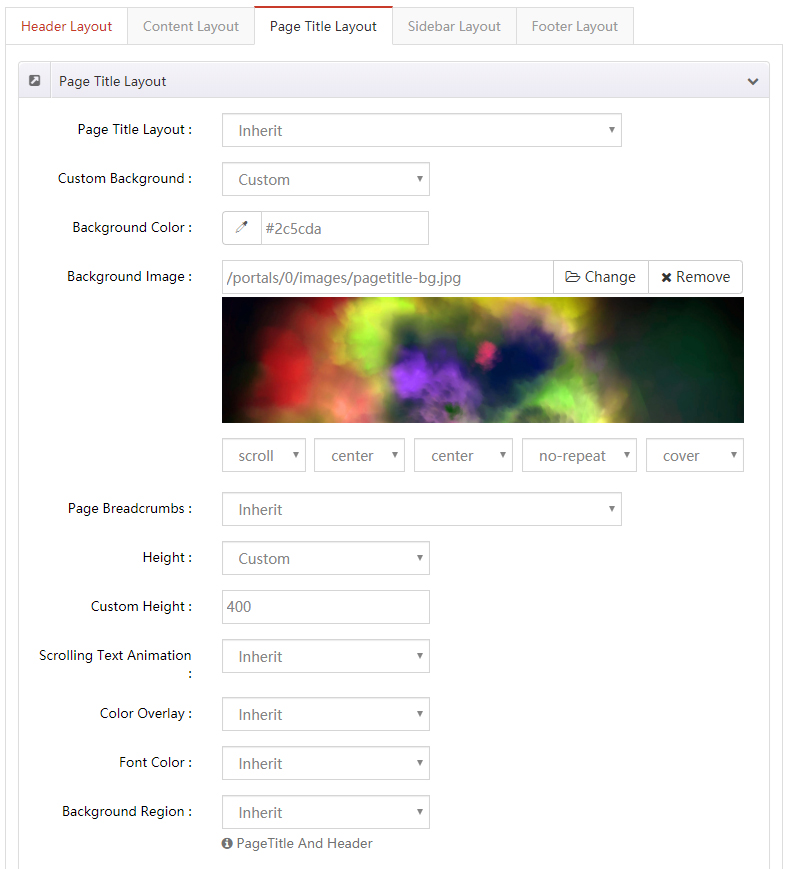
Independently set the style of the page title area (the title bar at the top of the page).
| Setting | Description |
|---|---|
| Page Title Layout | Show or hide the page title |
| Custom Background | The background color or background image for the page title area |
| Page Breadcrumbs | Show or hide the breadcrumb navigation |
| Height | The height of the page title area, in two modes (see below) |
| Scrolling Text Animation | Whether to enable the scrolling text animation |
| Color Overlay | Overlays a mask layer on the page title background |
| Font Color | The text color of the page title area |
Height has two modes:
- Custom Height — Set a specific height value.
- Full Height — The page title area matches the height of the browser window.
Sidebar Layout
| Setting | Description |
|---|---|
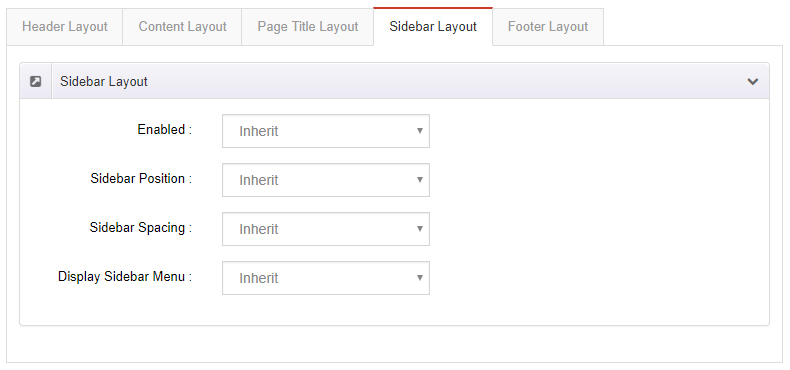
| Enabled | Whether to display the sidebar |
| Sidebar Position | Whether the sidebar is on the left or right of the page |
| Sidebar Spacing | The spacing between the sidebar and the content |
| Display Sidebar Menu | Whether to display the sidebar menu |
Footer Layout
Specify a Footer layout for the current page.