
Introduction to AI
AI Chat is a built-in AI assistant in Page Builder. Describe what you need in plain language and AI will generate the page content and layout for you — or ask a question and get design suggestions or code snippets.
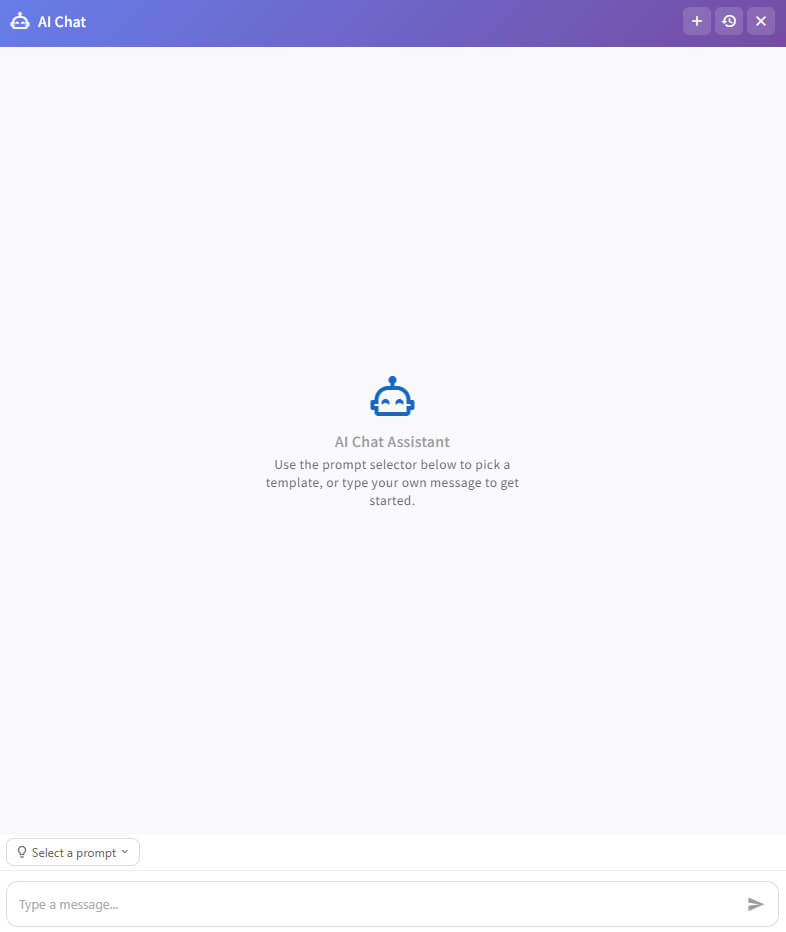
Open the AI Assistant
- Add the PageBuilder module to a full-width Pane.
- Click the Edit button at the bottom of the page to enter editing mode.
- Click the AI entry button () in the bottom-right corner of the editing interface to open the AI Chat panel.
Click the in the top-right corner of the panel to close it. Closing the panel does not end the conversation; you can resume the previous session the next time you open it.
Next Steps
- Configuration — LLM Settings to configure before using AI
- Panel Interface & Workflow — The different areas of the AI Chat panel and how to use them
- Typical Scenarios — Examples of content generation and consultation
- Notes — Usage limits and service configuration notes