
Footer Layouts
The Flux theme ships with all the Footer layouts used in the demo site. You can edit these preset layouts directly or create brand-new custom layouts.
Cache reminder
Because of browser caching, the page may not display the effect correctly immediately after saving. Press Ctrl + F5 to refresh the page and clear the cache.
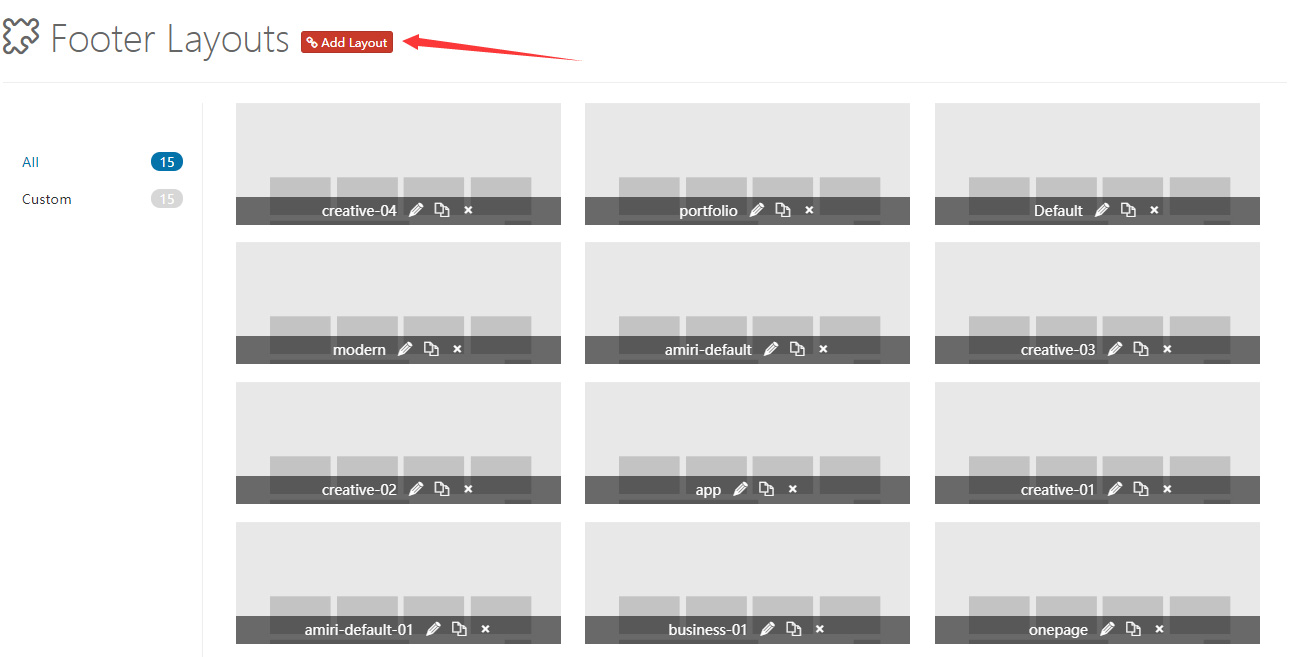
Control Panel Area
Click Add Layout to enter the Footer Layout control panel. The panel contains a number of default layouts that can be modified or deleted; remember to save when you're done.
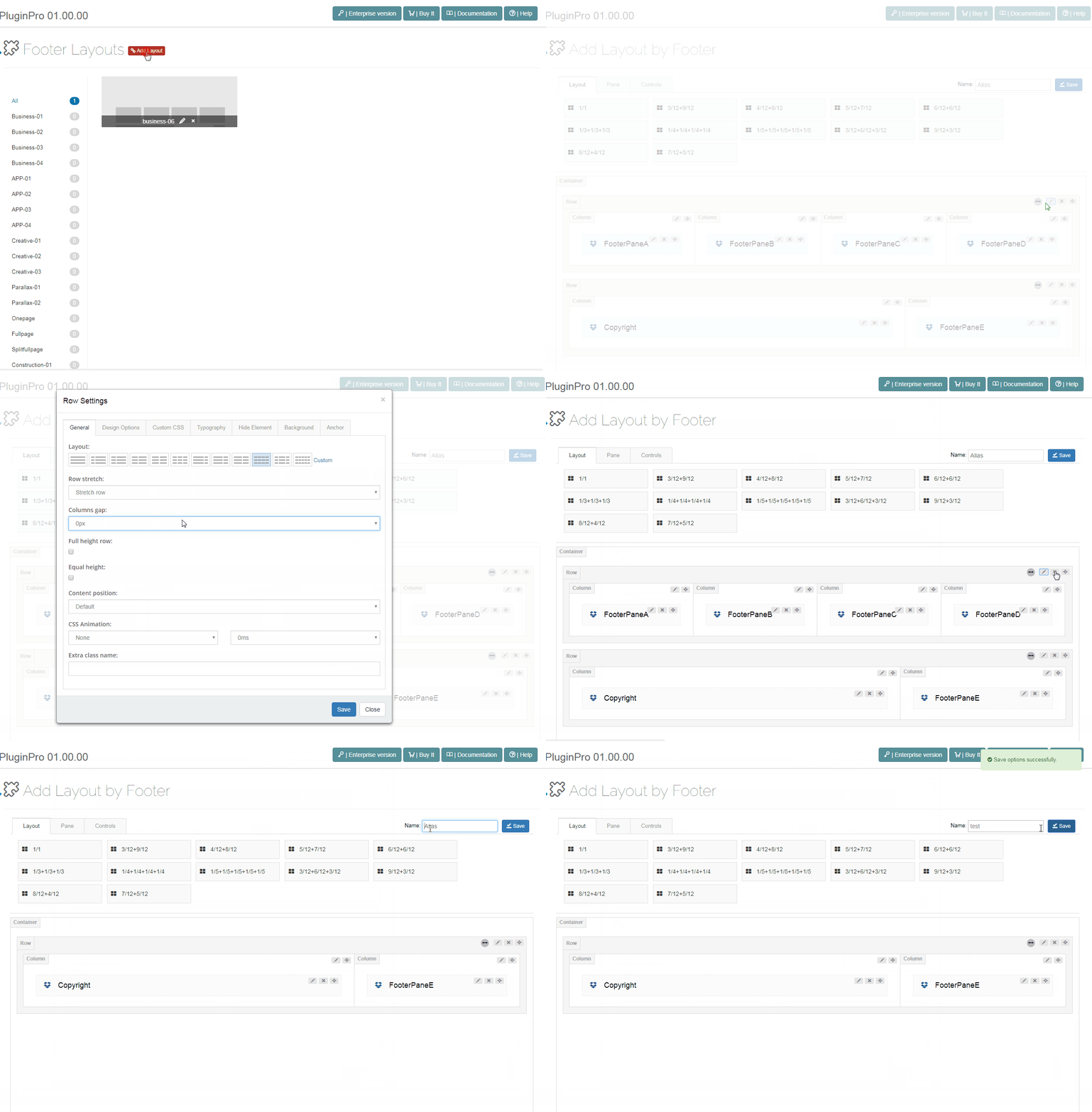
Pane & Layout
As with Content Layout, you can freely build a custom layout here using Panes.
Controls
Controls are pre-built functional modules that can be dragged into any area of the Footer for use.
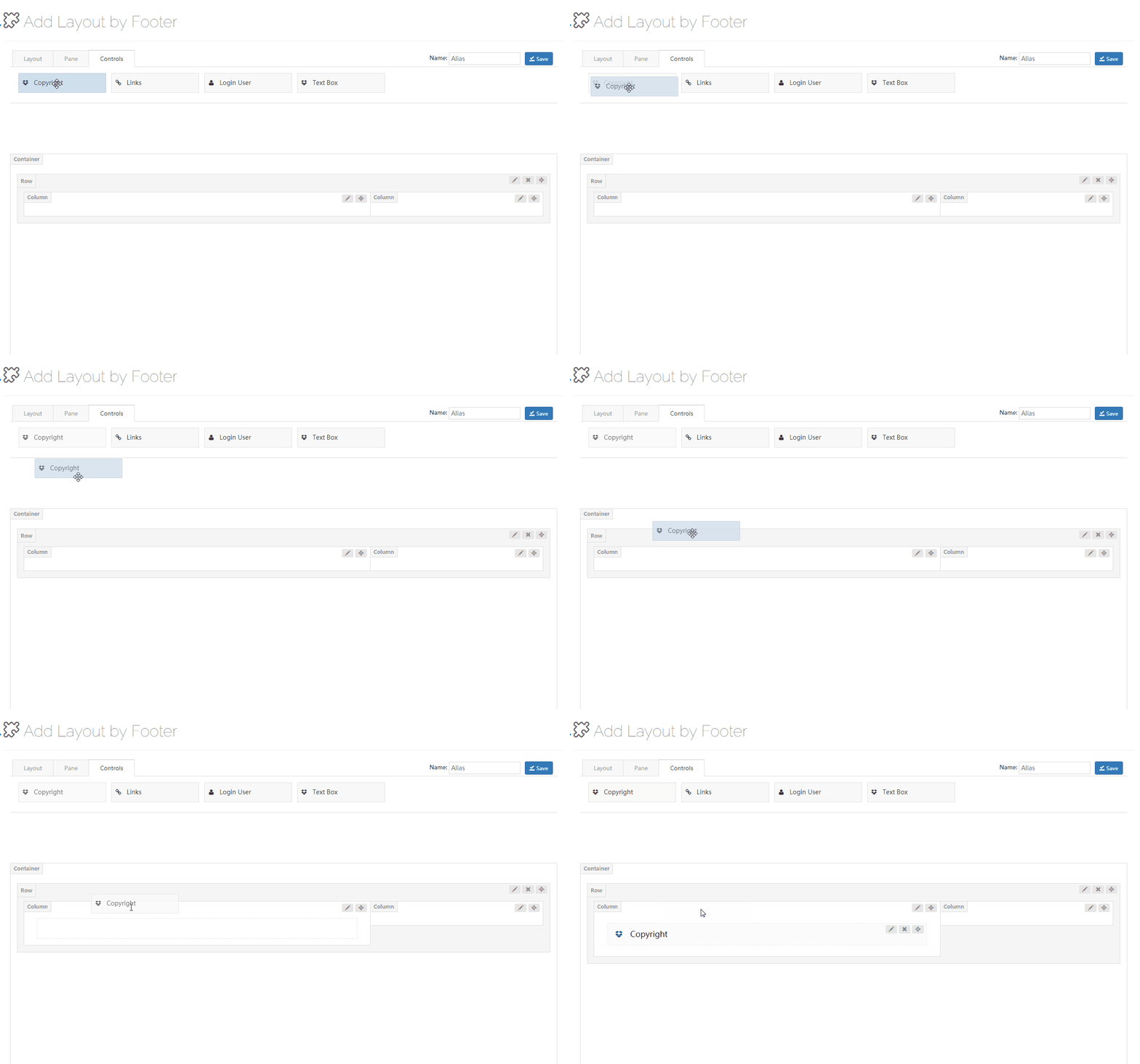
Each control has an edit button next to it; click it to enter its settings. The Footer provides the following controls:
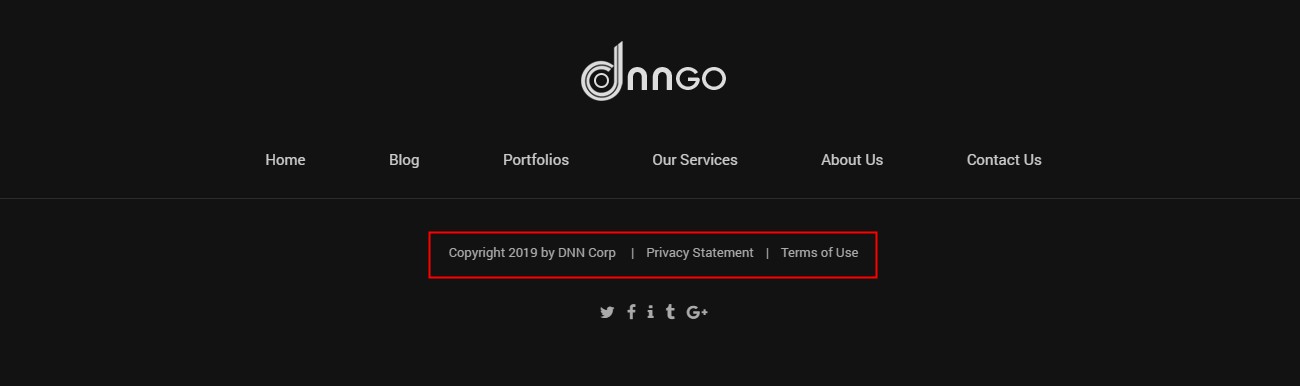
Copyright
Displays copyright information, privacy statement, and terms of use in the Footer.
General
| Setting | Description |
|---|---|
| Spacing | The padding on the left and right sides of the control |

| Setting | Description |
|---|---|
| Typography | The font size, color, font family, and other text styling |
| Item Hover Font Color | The text color of a link on hover |
Copyright
| Setting | Description |
|---|---|
| Active Copyright | Whether to display the copyright information |
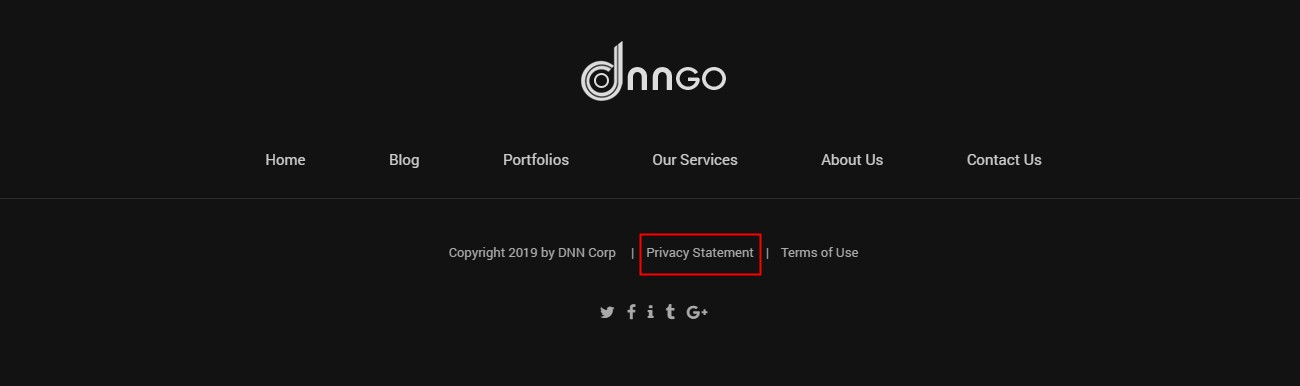
Privacy Statement
| Setting | Description |
|---|---|
| Active Privacy Statement | Whether to display the privacy statement |
| Text | The display text of the privacy statement |
| Setting | Description |
|---|---|
| Custom Url | The link the privacy statement navigates to on click |
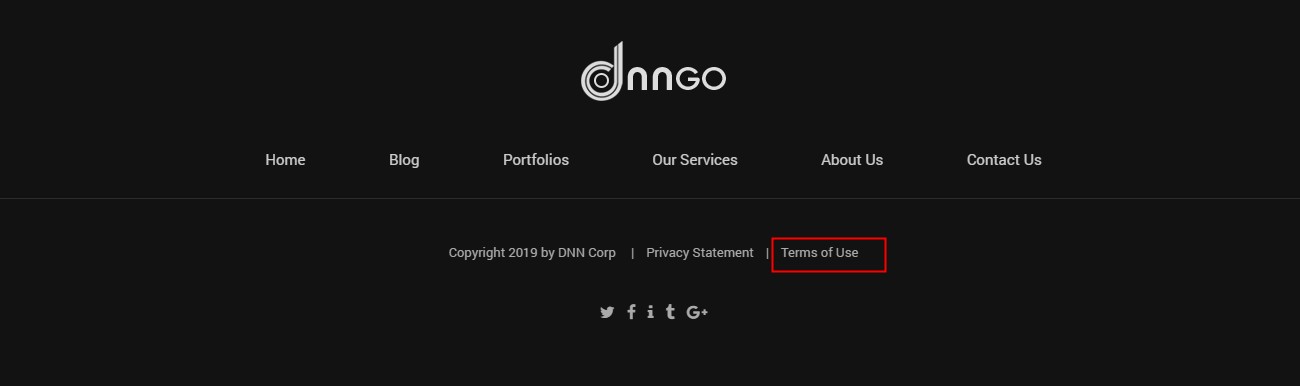
Terms Of Use
| Setting | Description |
|---|---|
| Active Terms Of Use | Whether to display the terms of use |
| Custom Text | The display text of the terms of use |
| Setting | Description |
|---|---|
| Custom Url | The link the terms of use navigates to on click |
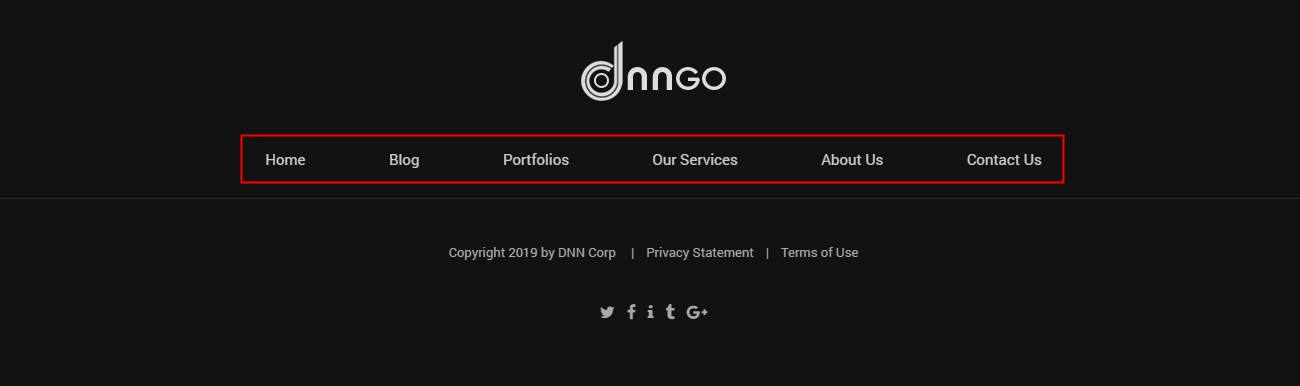
Links
Displays the site's first-level menu in the Footer.
General
| Setting | Description |
|---|---|
| Item Spacing | The left and right spacing between menu items |

| Setting | Description |
|---|---|
| Typography | The font size, color, font family, and other text styling |
| Item Hover Font Color | The text color of a link on hover |
Login And User
Displays login and registration links in the Footer.

| Setting | Description |
|---|---|
| Typography | The font size, color, font family, and other text styling |
| Item Hover Font Color | The text color of a link on hover |
| Active User | Whether to display the registration link |
| Active Login | Whether to display the login link |