
License
The Flux theme requires an activated license to function properly. When not activated, the theme runs in trial mode: a trial notice is displayed at the bottom of the page and some features are restricted. Once activated, the notice disappears and all features become available.
Activation Steps
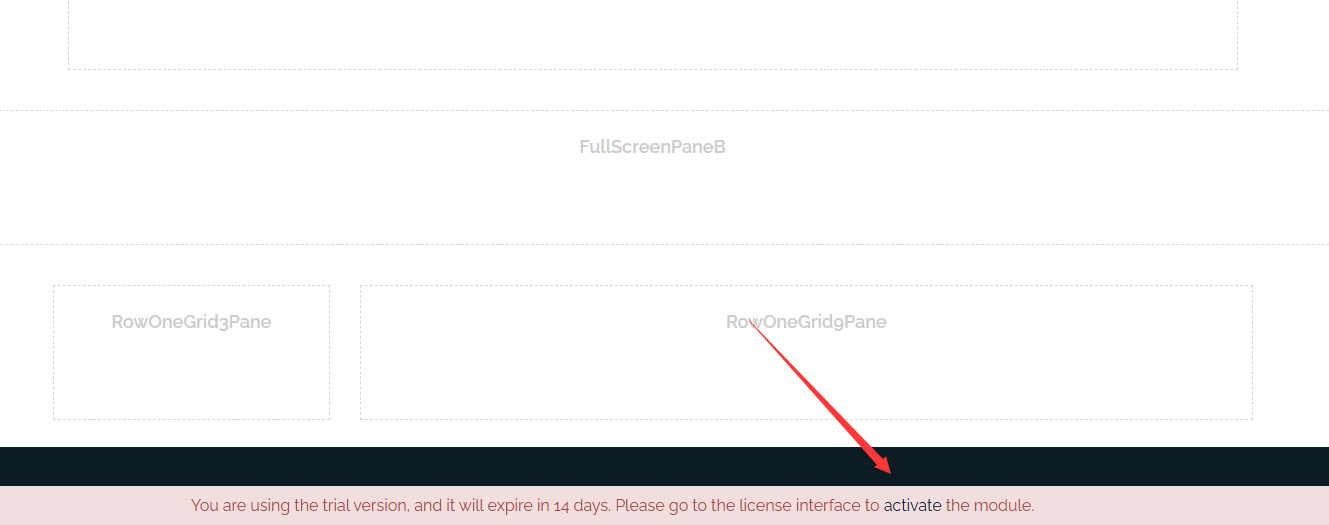
- Apply the Flux theme to the site. When not activated, a trial notice will appear at the bottom of the page. Click the Activate link within it to start the activation process.
- On the activation page, copy the Machine Key (a machine code tied to this site).
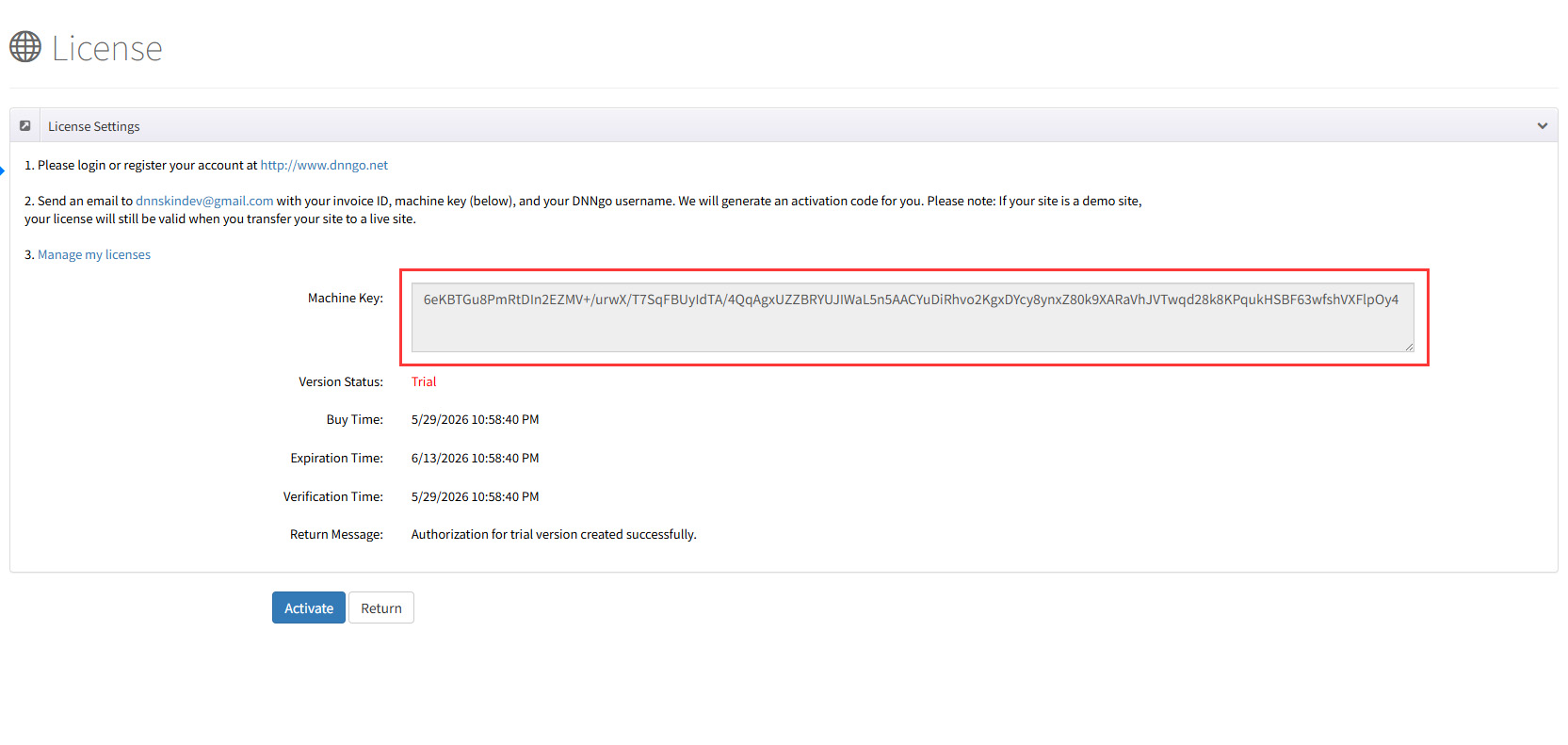
Send the following information to dnnskindev@gmail.com to request an activation code:
- Invoice ID (order number)
- Machine Key (copied in the previous step)
- DNNGo username (the account registered on dnngo.net)
After receiving the activation code, return to the activation page, enter it, and submit to complete activation.
License and Site Migration
An activated license can be migrated with the site. If you first activate on a demo site and later migrate to the production site, the license remains valid and you do not need to reapply.