
Import Preset Forms
The Flux theme provides 36 preset forms. After import, these forms appear in the Form Builder form list and can be added directly to pages for use.
Import Steps
Open the Form Builder Admin page you created during Install the Module, and click the Manager button.
Click the Import button.
Upload the
Flux Form Builder.jsonfile from the download package.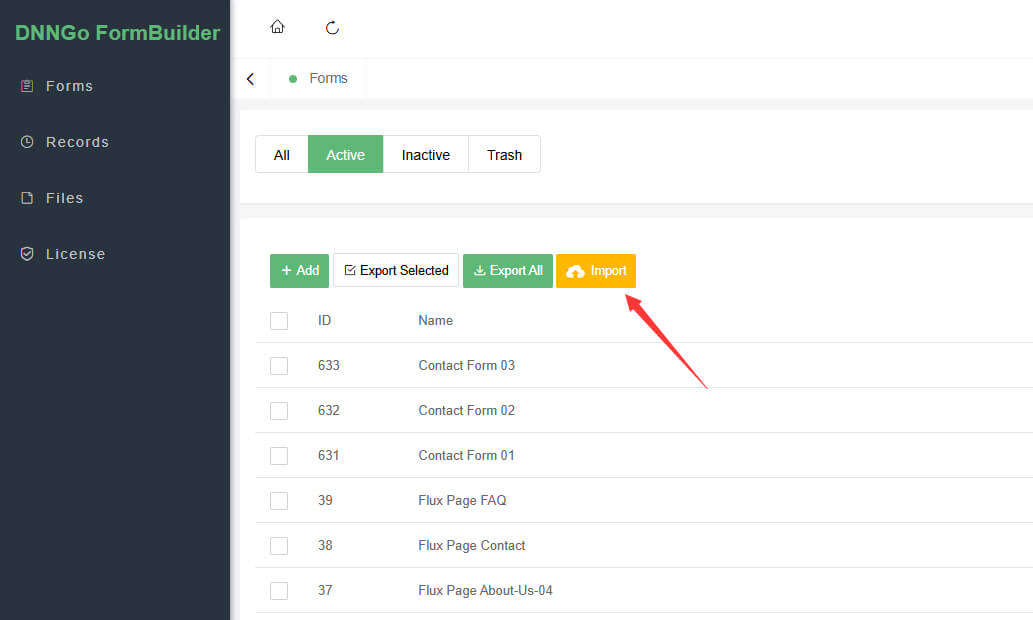
After the import completes, all 36 preset forms appear in the form list.
Next Steps
- View the Preset Forms List
- Learn how to Add a Form to a Page